Image Prompts: Filter Applications
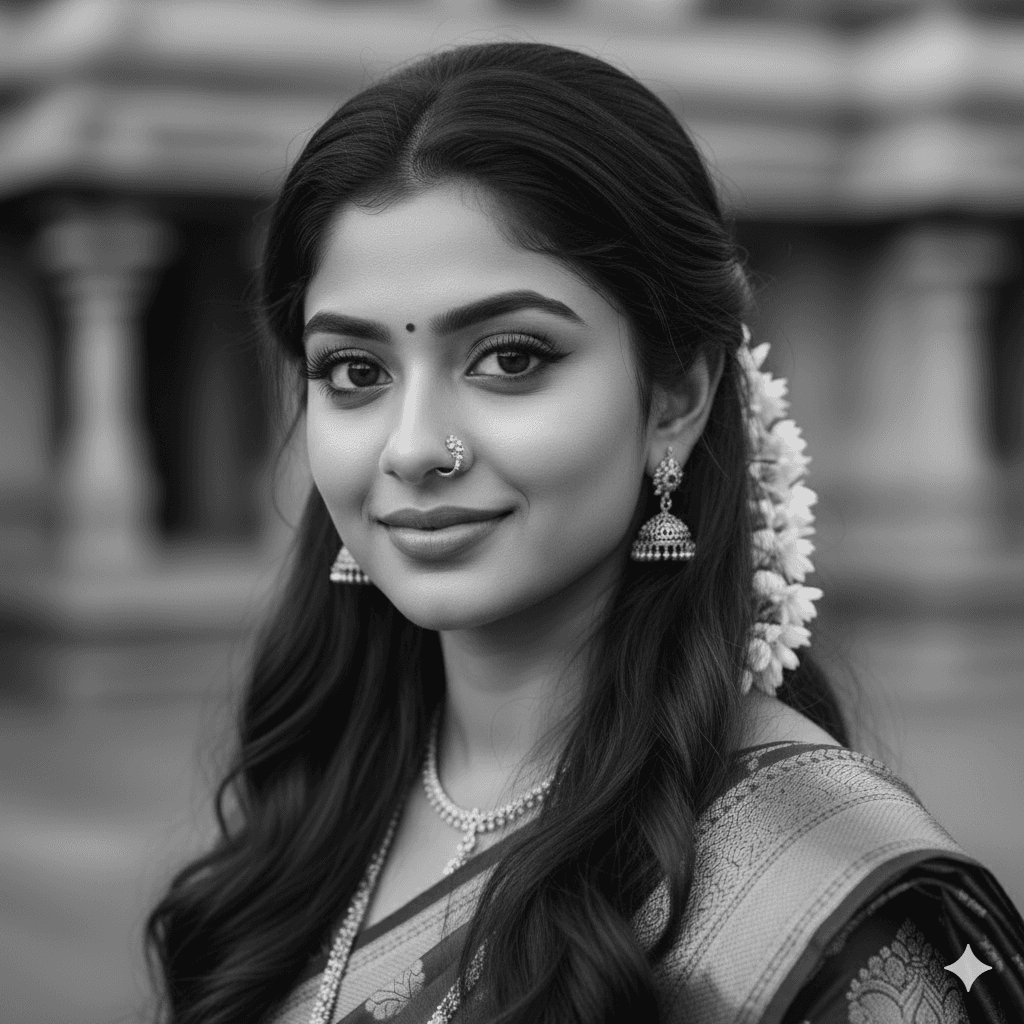
Classic Monochrome Filter
Apply a monochromatic black-and-white filter to this image for a timeless, classic look. Dont change facial features.
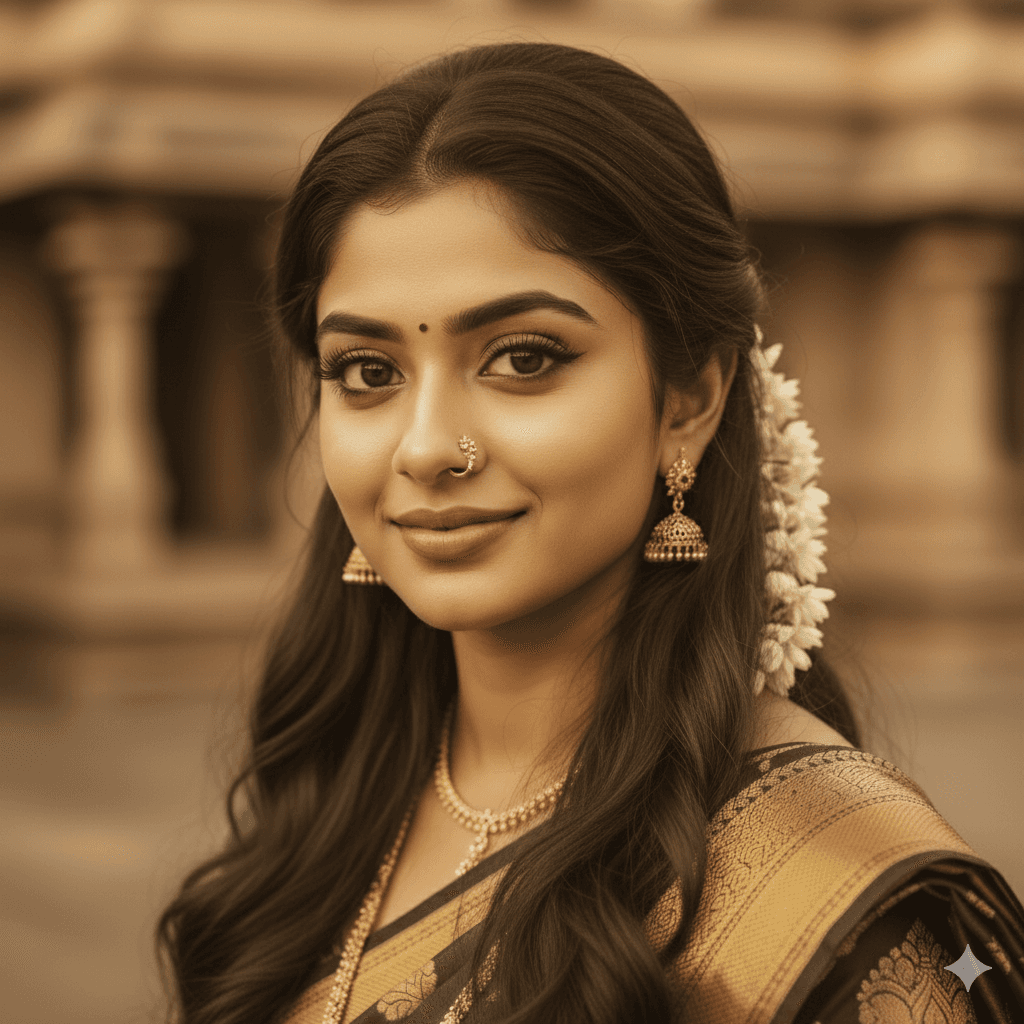
Vintage Sepia Glow
Give this photo a warm, vintage sepia tone with a slightly faded effect. Dont change facial features.
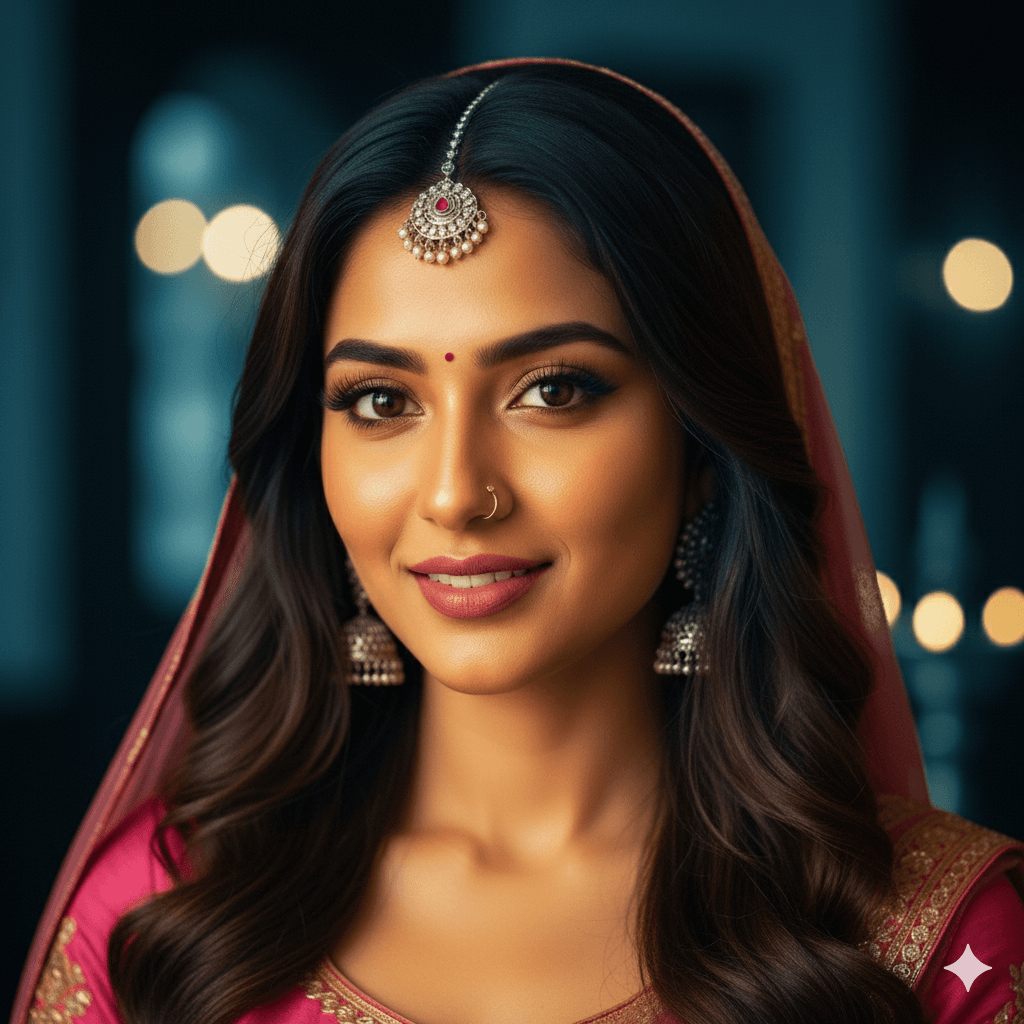
Cinematic Color Drama
Add a bold, cinematic color grade to this image, with deep blues and warm highlights. Dont change facial features.
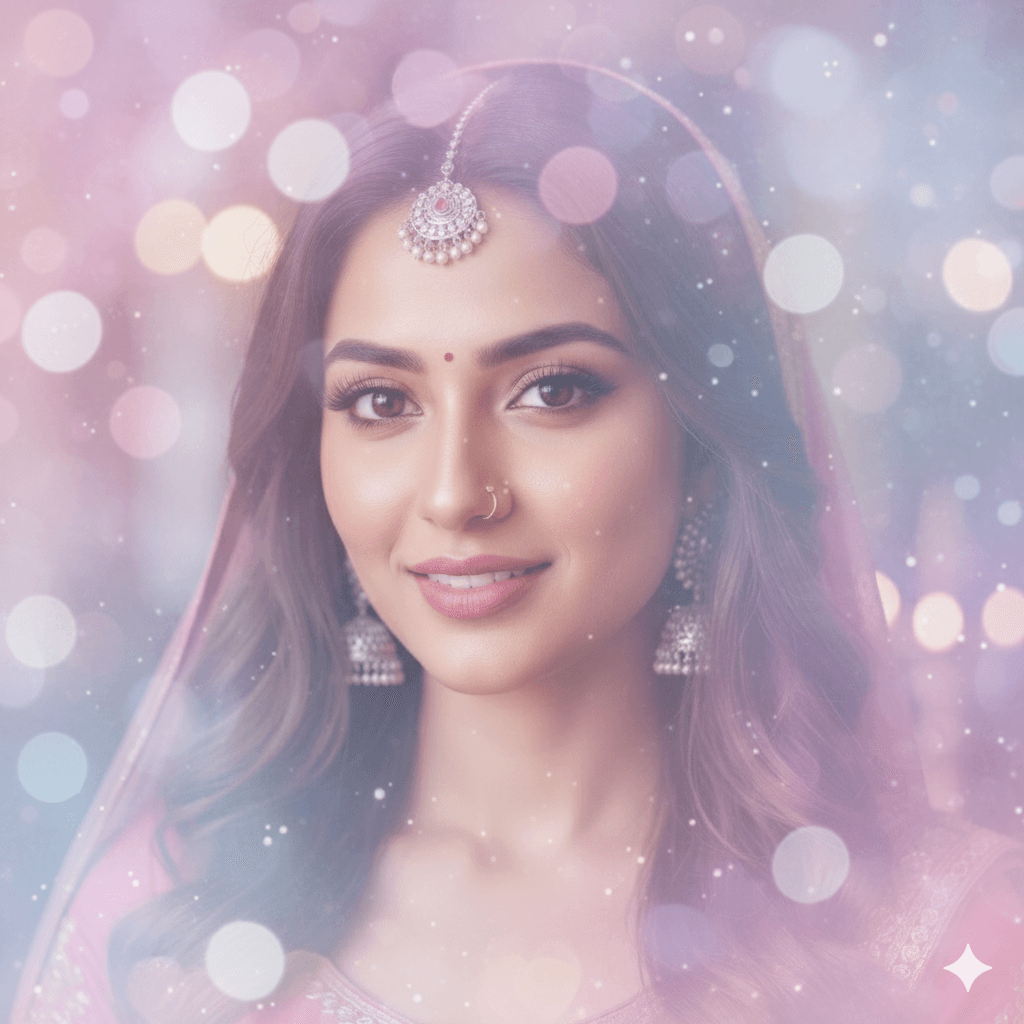
Soft Pastel Haze
Apply a soft pastel filter to this photo, emphasizing gentle pinks, blues, and purples. Dont change facial features.
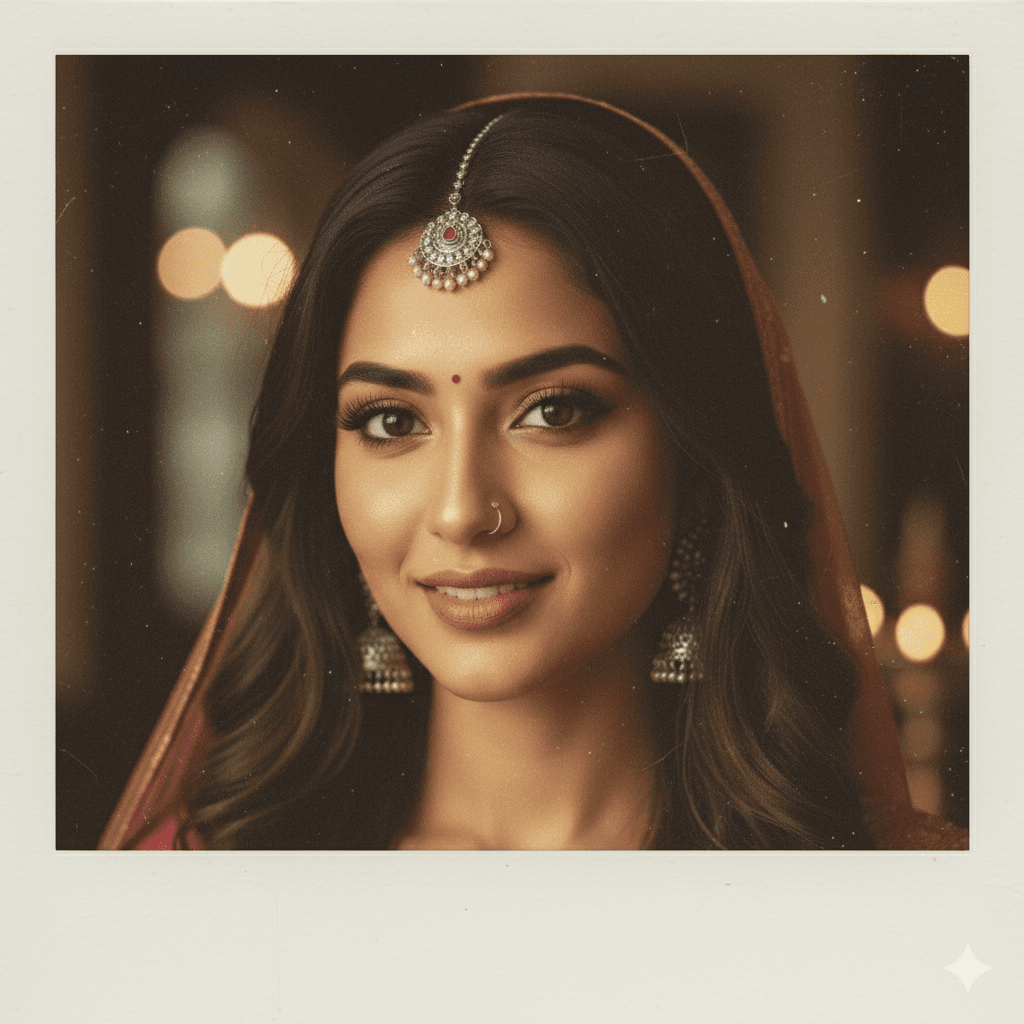
Polaroid Retro Vibe
Make this image look like an old Polaroid photo with a faded border and muted colors. Dont change facial features.

Film Noir Grit
Add a high-contrast, gritty film noir filter to this image for a moody, dramatic vibe. Dont change facial features.

Vibrant Color Pop
Apply a vibrant, oversaturated filter to make the colors in this photo pop intensely. Dont change facial features.
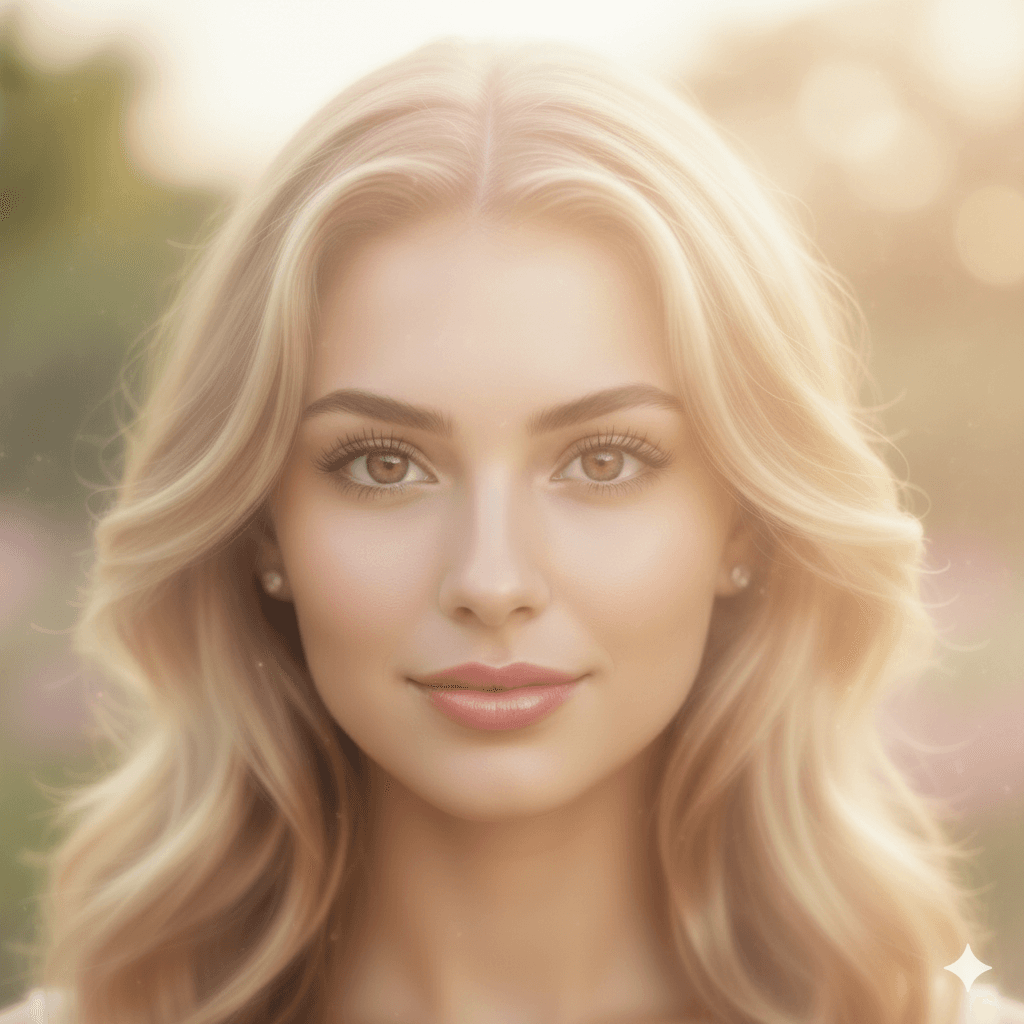
Dreamy Glow Effect
Give this image a soft, dreamy glow with a hazy, diffused filter effect. Dont change facial features.